> ## Documentation Index
> Fetch the complete documentation index at: https://formbricks.com/docs/llms.txt
> Use this file to discover all available pages before exploring further.

# Make

> Discover how to seamlessly integrate Formbricks with Make.com. Dive into our comprehensive guide to set up scenarios, connect with a plethora of apps, and send your survey data to more than 1000 platforms.

Make is a powerful tool to send information between Formbricks and thousands of apps. Here's how to set it up.

<Note>
  Nailed down your survey?? Any changes in the survey cause additional work in the *Scenario*. It makes sense to first settle on the survey you want to run and then get to setting up Make.
</Note>

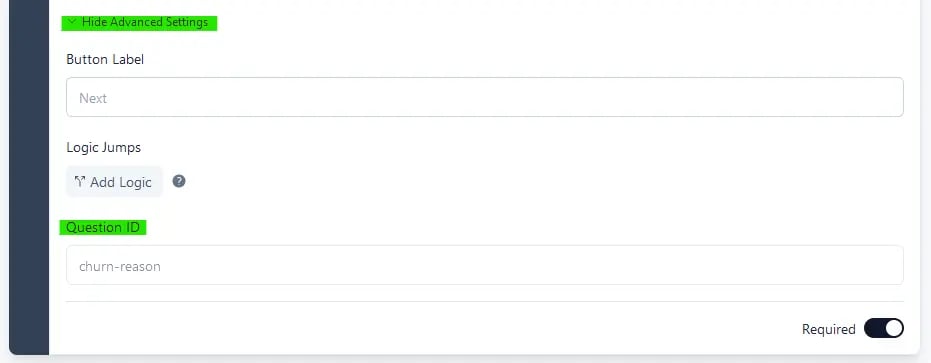
## Step 1: Setup your survey incl. `questionId` for every question

Set up the `questionId`s of your survey questions before publishing.
<img src="https://mintcdn.com/formbricks/ciPr-k8rsK4LGtZI/images/platform/features/integrations/make/update-question-id.webp?fit=max&auto=format&n=ciPr-k8rsK4LGtZI&q=85&s=34ef2a99e6353651275474585b319bd6" alt="Update Question ID" width="931" height="363" data-path="images/platform/features/integrations/make/update-question-id.webp" />

*Update the Question ID field in every question card under Advanced Settings.*

<Note>
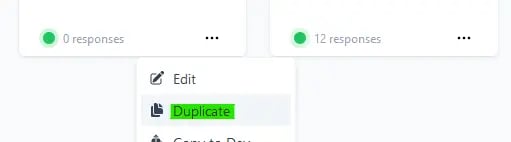
  Already published? Duplicate survey You can only update the questionId
  before publishing the survey. If already published, simply duplicate it.
  <img src="https://mintcdn.com/formbricks/ciPr-k8rsK4LGtZI/images/platform/features/integrations/make/duplicate-survey.webp?fit=max&auto=format&n=ciPr-k8rsK4LGtZI&q=85&s=5216b43ede5a16e451ed29f124120f3c" alt="Duplicate Survey" width="511" height="142" data-path="images/platform/features/integrations/make/duplicate-survey.webp" />
</Note>

## Step 2: Setup Make.com

Visit [Make.com](https://make.com) to start a new scenario.
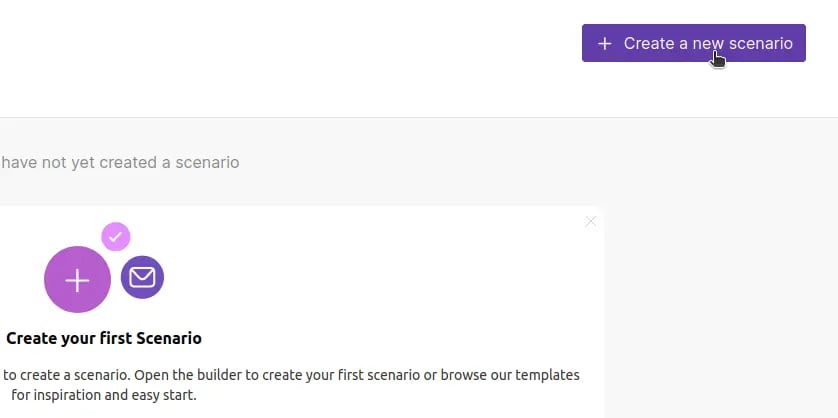
<img src="https://mintcdn.com/formbricks/ciPr-k8rsK4LGtZI/images/platform/features/integrations/make/create-new-scenario.webp?fit=max&auto=format&n=ciPr-k8rsK4LGtZI&q=85&s=d9ceaed0efac89156df2329f201adf02" alt="Create New Scenario" width="838" height="418" data-path="images/platform/features/integrations/make/create-new-scenario.webp" />

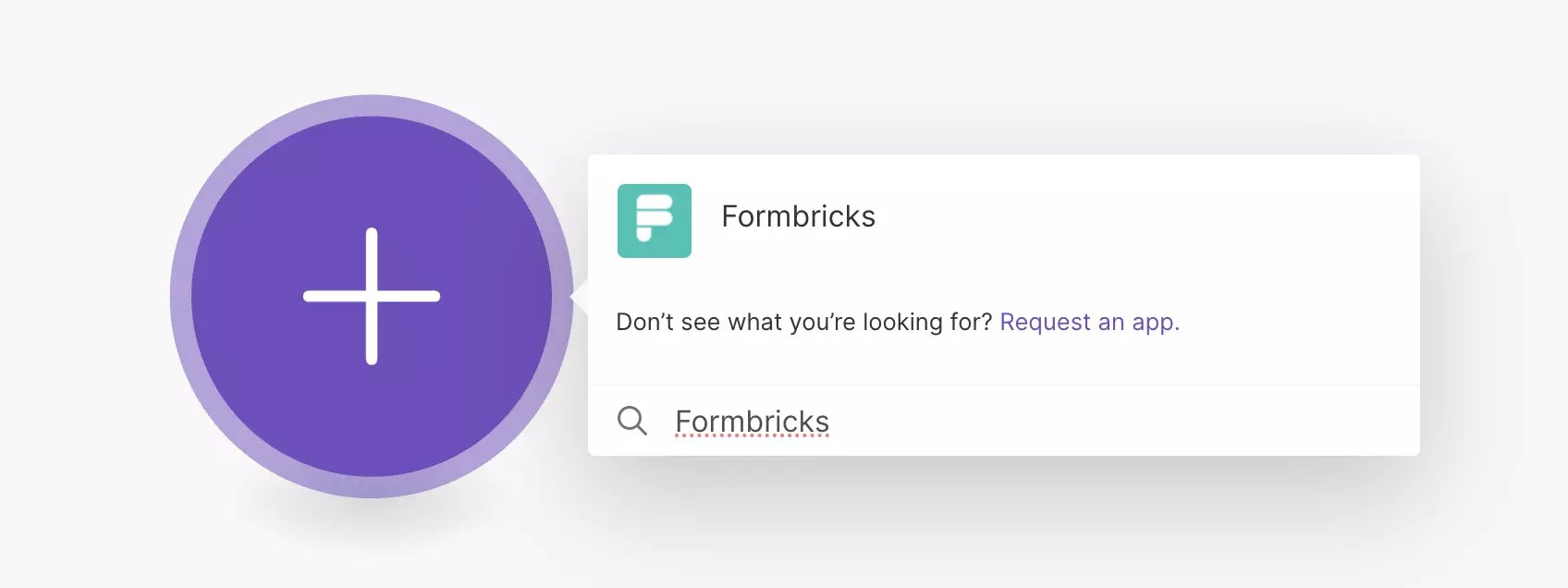
Search for `Formbricks`:

<img src="https://mintcdn.com/formbricks/ciPr-k8rsK4LGtZI/images/platform/features/integrations/make/search-formbricks.webp?fit=max&auto=format&n=ciPr-k8rsK4LGtZI&q=85&s=4ccc17e459b6999a6e5c9a2853548bda" alt="Search Formbricks" width="1696" height="636" data-path="images/platform/features/integrations/make/search-formbricks.webp" />

Choose the event to trigger the Scenario:
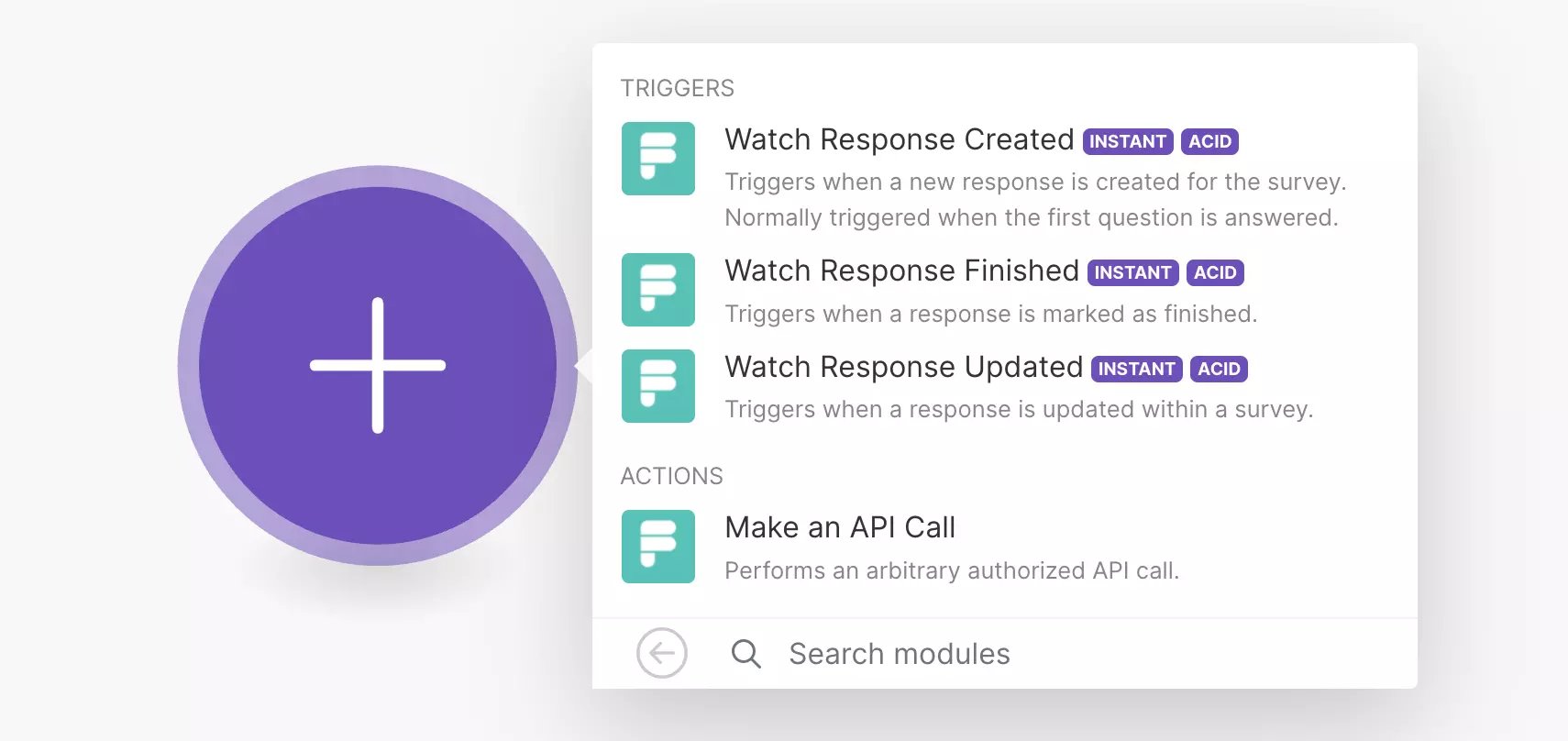
<img src="https://mintcdn.com/formbricks/ciPr-k8rsK4LGtZI/images/platform/features/integrations/make/select-trigger.webp?fit=max&auto=format&n=ciPr-k8rsK4LGtZI&q=85&s=24757168c5324066b618f8885235d1ff" alt="Select Triggers" width="1710" height="808" data-path="images/platform/features/integrations/make/select-trigger.webp" />

## Step 3: Connect Formbricks with Make

Click "Create a webhook":
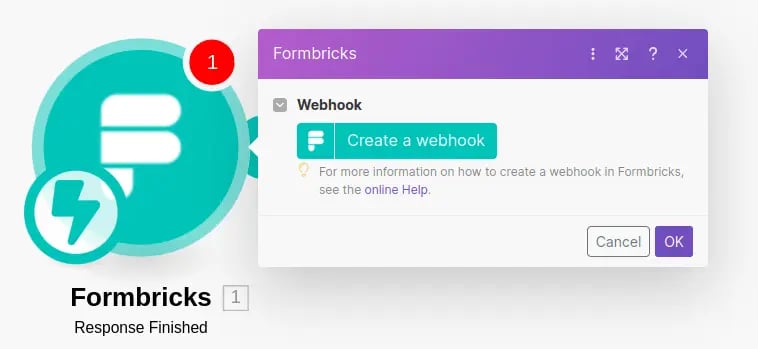
<img src="https://mintcdn.com/formbricks/ciPr-k8rsK4LGtZI/images/platform/features/integrations/make/create-webhook.webp?fit=max&auto=format&n=ciPr-k8rsK4LGtZI&q=85&s=ca43db58ed03fc435134be0cd514fdf7" alt="Create Webhook" width="758" height="349" data-path="images/platform/features/integrations/make/create-webhook.webp" />

Enter the Formbricks API Host and API Key. API Host is by default set to [https://app.formbricks.com](https://app.formbricks.com) but can be modified for self-hosting instances. Learn how to get an API Key from the [API Key tutorial](/api-reference/rest-api#how-to-generate-an-api-key).
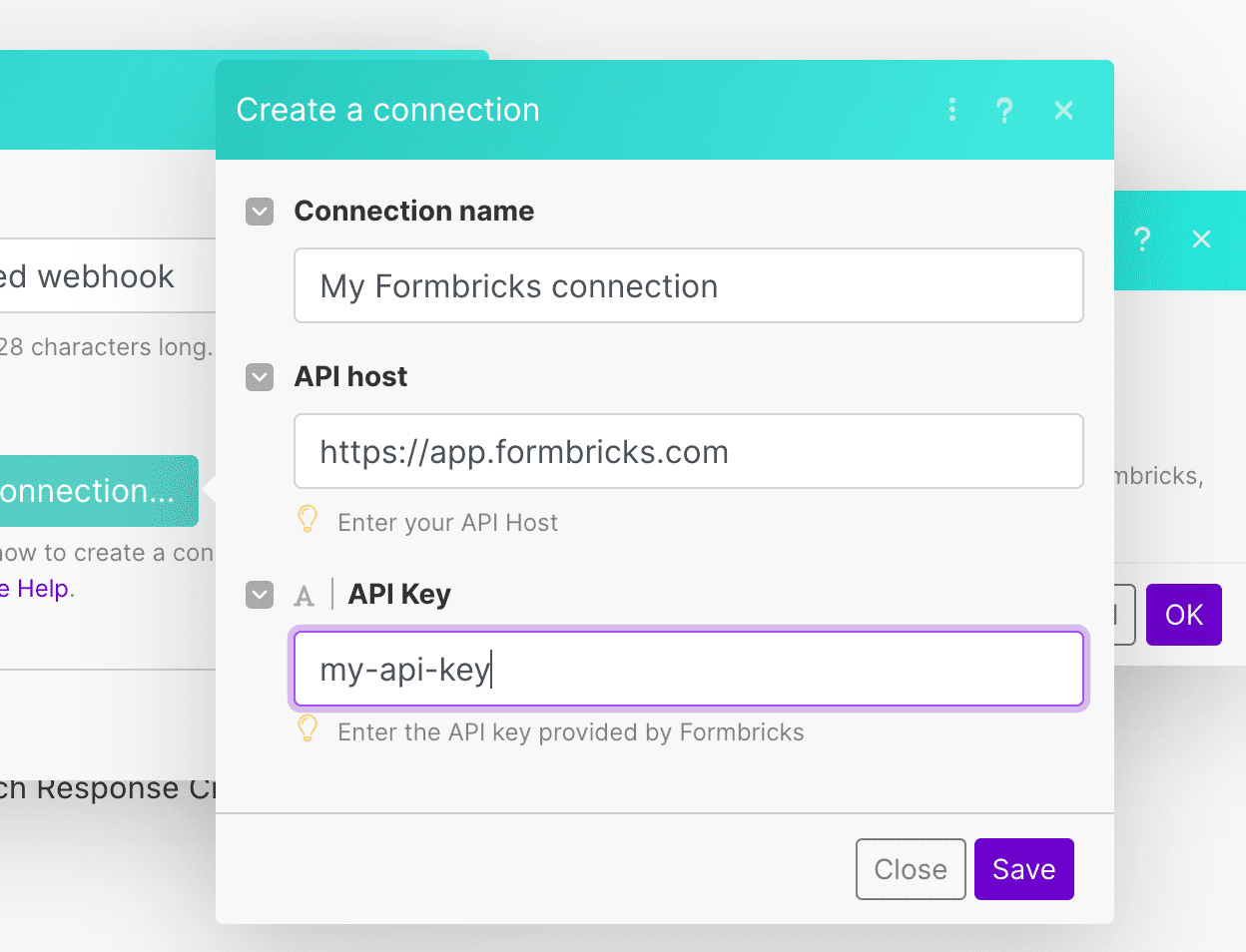
<img src="https://mintcdn.com/formbricks/ciPr-k8rsK4LGtZI/images/platform/features/integrations/make/enter-api-key-and-host.webp?fit=max&auto=format&n=ciPr-k8rsK4LGtZI&q=85&s=635a6374fc27d2f5935dbf1204937c7a" alt="Enter API Key" width="1248" height="954" data-path="images/platform/features/integrations/make/enter-api-key-and-host.webp" />

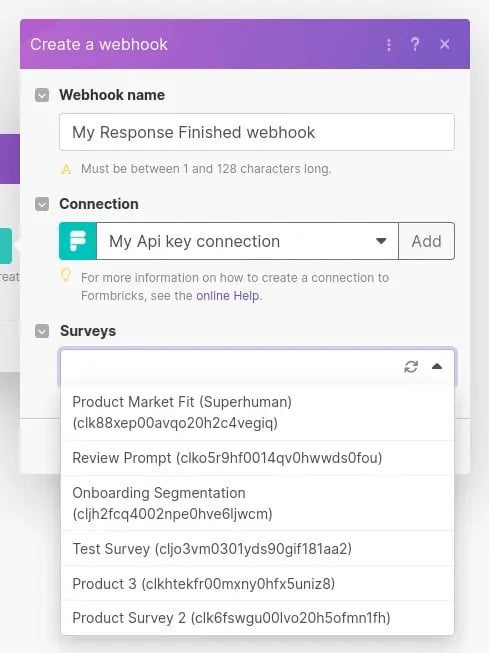
## Step 4: Select Survey

Choose from your created surveys:
<img src="https://mintcdn.com/formbricks/ciPr-k8rsK4LGtZI/images/platform/features/integrations/make/select-survey.webp?fit=max&auto=format&n=ciPr-k8rsK4LGtZI&q=85&s=709e2d509cb93a1de88b803c17a4cdb3" alt="Select Survey" width="489" height="653" data-path="images/platform/features/integrations/make/select-survey.webp" />

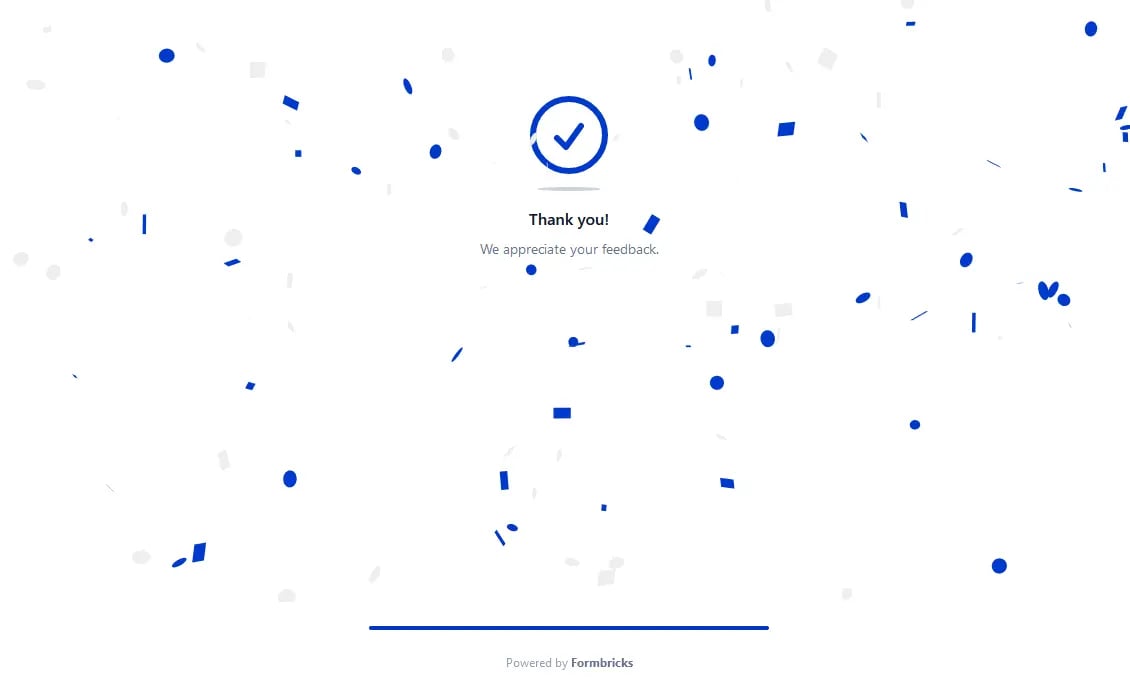
## Step 5: Send a test response

You need a test response for Make setup.
<img src="https://mintcdn.com/formbricks/ciPr-k8rsK4LGtZI/images/platform/features/integrations/make/submit-test-response.webp?fit=max&auto=format&n=ciPr-k8rsK4LGtZI&q=85&s=ece19702a7adafdf89768d9a2eed7b97" alt="Submit Test Response" width="1130" height="682" data-path="images/platform/features/integrations/make/submit-test-response.webp" />

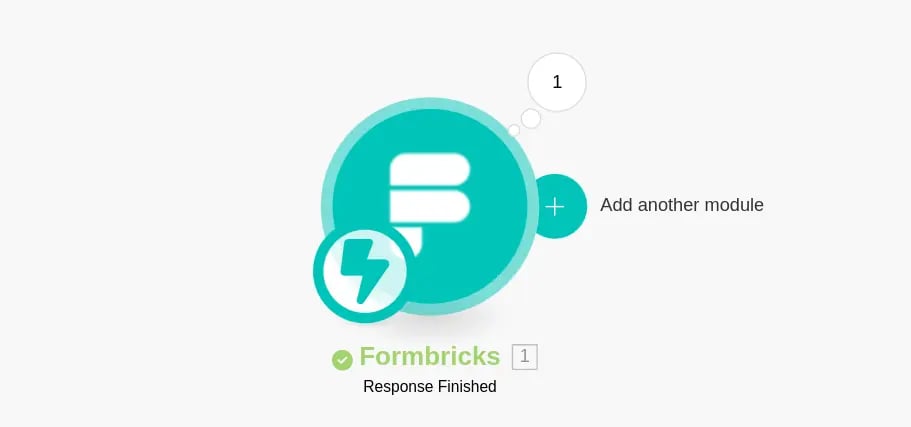
## Step 6: Set up Google Sheet

Decide on the desired action for the data. Here, we'll send submissions to a Google Sheet:
<img src="https://mintcdn.com/formbricks/ciPr-k8rsK4LGtZI/images/platform/features/integrations/make/add-module.webp?fit=max&auto=format&n=ciPr-k8rsK4LGtZI&q=85&s=a04b8d62aa46938487d9095f4d13b68b" alt="Add Module" width="911" height="427" data-path="images/platform/features/integrations/make/add-module.webp" />

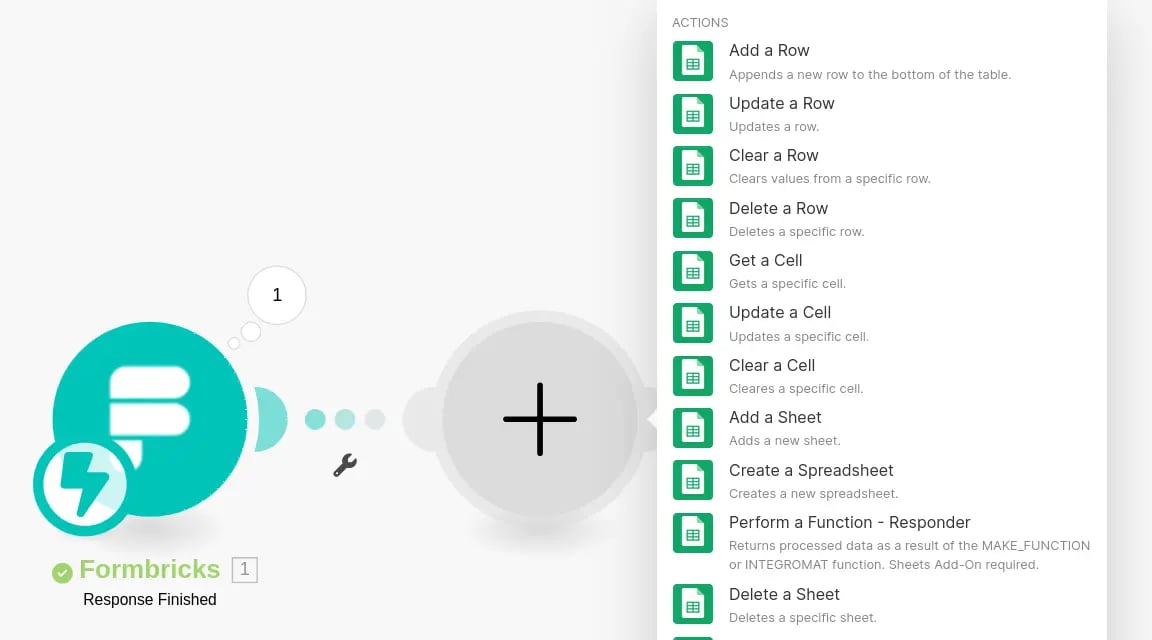
Choose "Add a Row" for the action:

<img src="https://mintcdn.com/formbricks/ciPr-k8rsK4LGtZI/images/platform/features/integrations/make/select-action.webp?fit=max&auto=format&n=ciPr-k8rsK4LGtZI&q=85&s=ca26035145d335d74ef5707ea4058be6" alt="Select Action" width="1152" height="640" data-path="images/platform/features/integrations/make/select-action.webp" />

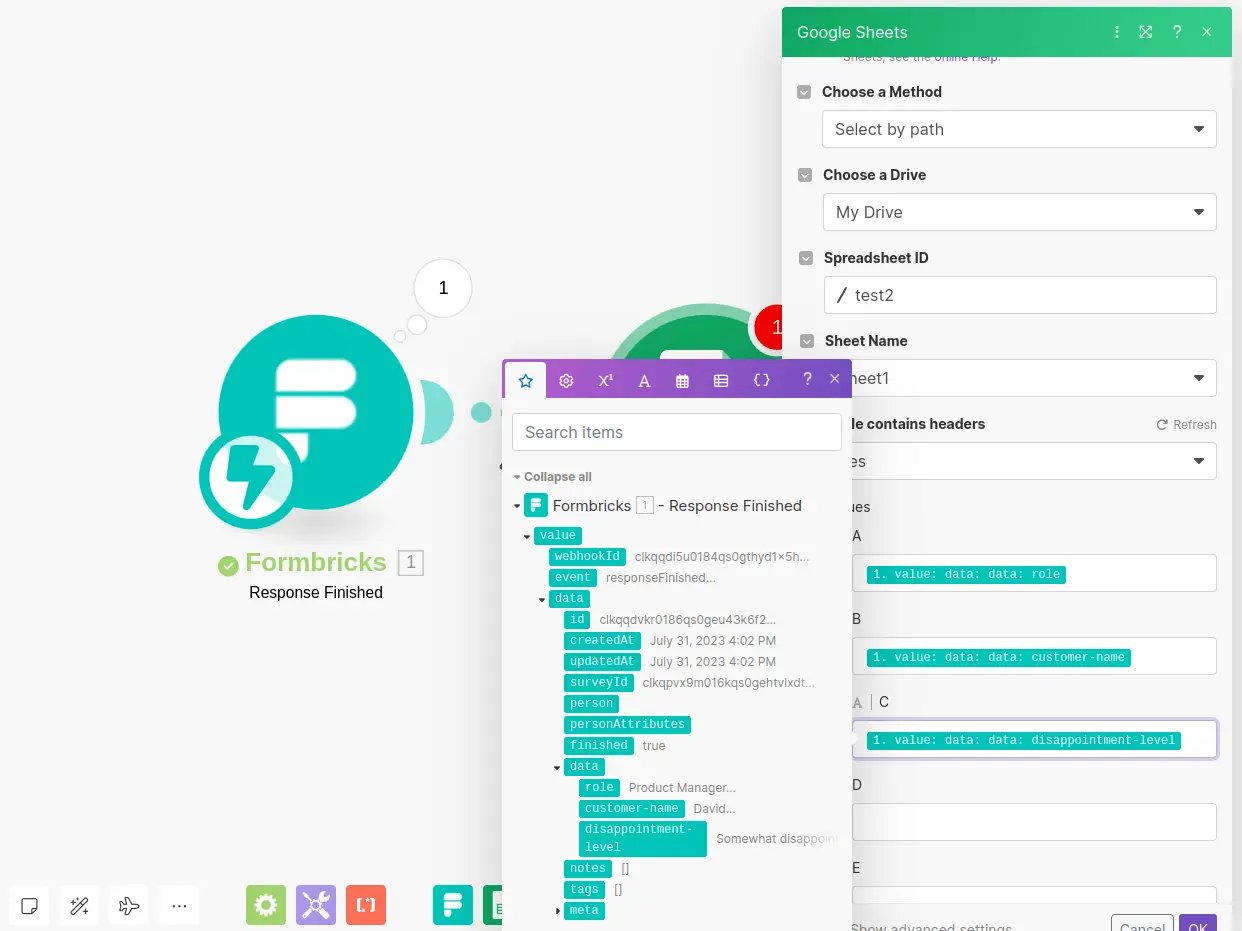
Specify the spreadsheet details and match the Formbricks data:
<img src="https://mintcdn.com/formbricks/ciPr-k8rsK4LGtZI/images/platform/features/integrations/make/select-fields.webp?fit=max&auto=format&n=ciPr-k8rsK4LGtZI&q=85&s=b8a0451ff3e8a95961f2c7ca2cf383ca" alt="Select Fields" width="1242" height="931" data-path="images/platform/features/integrations/make/select-fields.webp" />

A new row gets added to the spreadsheet for every response:

<img src="https://mintcdn.com/formbricks/ciPr-k8rsK4LGtZI/images/platform/features/integrations/make/result.webp?fit=max&auto=format&n=ciPr-k8rsK4LGtZI&q=85&s=59392cf5771573bd585ebda559a72c20" alt="Result" width="867" height="163" data-path="images/platform/features/integrations/make/result.webp" />