> ## Documentation Index
> Fetch the complete documentation index at: https://formbricks.com/docs/llms.txt
> Use this file to discover all available pages before exploring further.
# Understanding Formbricks Survey Types
> This guide explains the differences between Formbricks Link Surveys and Website & App Surveys to help you choose the right option.
## Quick comparison
| Feature | Link Surveys | Website & App Surveys |
| ----------------------------- | ------------------------------------------------------ | ----------------------------------------------------------------------- |
| **Best for** | Known touchpoints | Behavior-based intercepts |
| **SDK required** | No | Yes |
| **Delivery** | Email, SMS, push, or webview | Triggered in-app by SDK |
| **Segmentation** | You control externally | Built-in via Formbricks |
| **Survey fatigue prevention** | You control externally | Automatic |
| **User identification** | [Personal Links](/surveys/link-surveys/personal-links) | [SDK user attributes](/surveys/website-app-surveys/user-identification) |
## Link Surveys
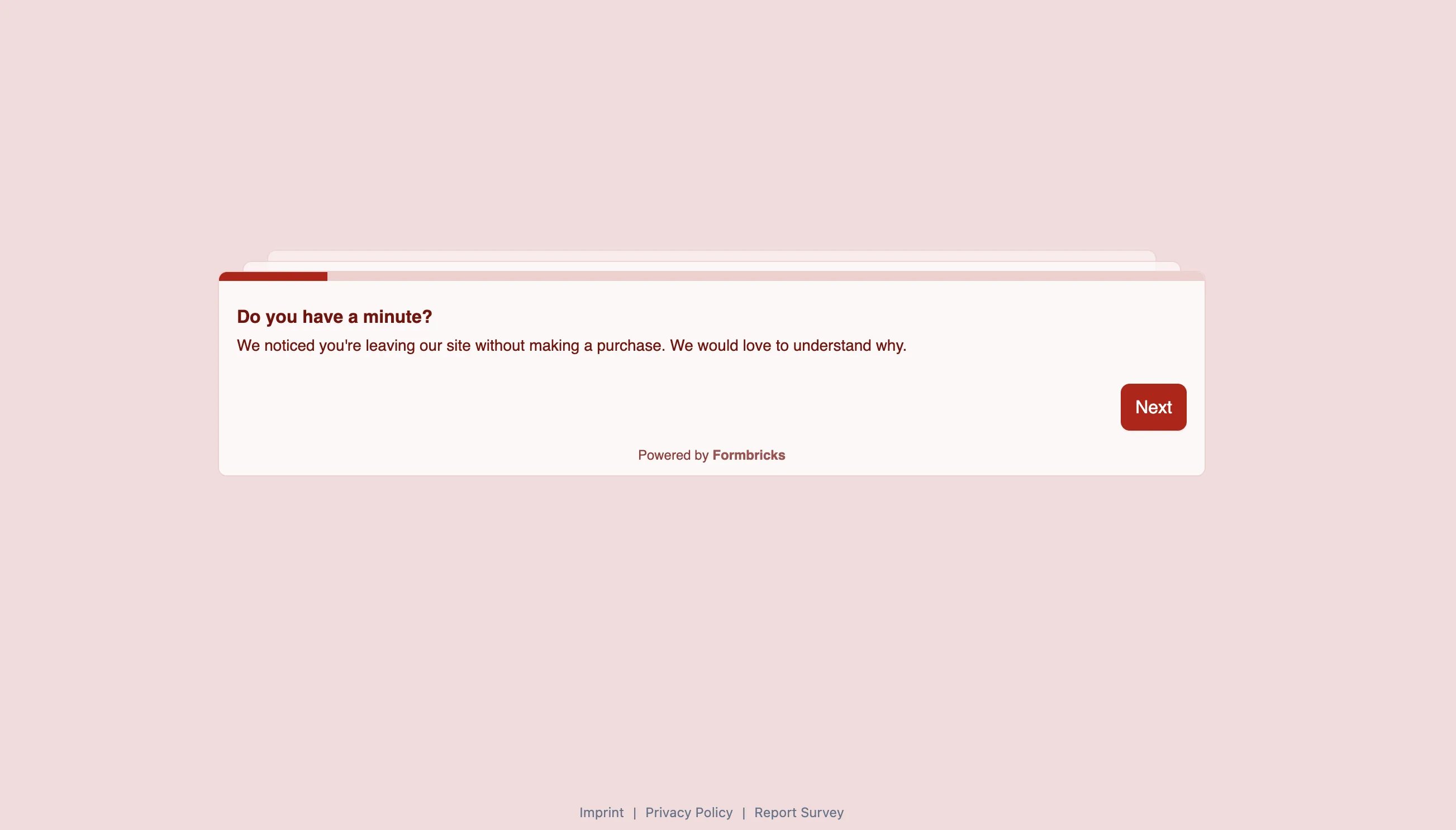
Also known as **invitation-based surveys**. No SDK needed. You control when and who receives the survey, often through CRMs, marketing tools, or similar platforms.
 ### Delivery channels
* Email
* SMS
* Push notification
* In-app webview
### URL features
* **[Hidden Fields](/surveys/general-features/hidden-fields)**: Pass user ID, order ID, or any identifier
* **[Data prefilling](/surveys/link-surveys/data-prefilling)**: Pre-populate answers and optionally skip prefilled questions
* **[Personal Links](/surveys/link-surveys/personal-links)**: Generate unique survey links for individual contacts
### Webview with Embed mode
For mobile apps, you can display Link Surveys in a webview with full control over when the survey appears. Your app decides the timing—open the webview when the moment is right.
**Enable Embed mode** by appending `?embed=true` to the survey URL:
```
https://app.formbricks.com/s/?embed=true&userId=123
```
**Listen for events** to close the webview automatically:
```javascript theme={null}
window.addEventListener("message", (event) => {
if (event.data === "formbricksSurveyCompleted") {
closeWebView();
}
});
```
This approach gives you full control:
* **When**: Your app opens the webview at the right moment (after purchase, case closed, etc.)
* **Who**: Personal links allow you to have unique links for identified contacts.
* **Display**: Survey renders inside your app
* **Dismissal**: Close the webview on completion or user exit
Learn more in the [Embed Surveys guide](/surveys/link-surveys/embed-surveys).
### When to use
* You already decide externally who should receive which survey
* Survey timing is tied to a known event such as a click on a link or button and in **each case**, you want to show the survey
* You want fastest approach to production
* Your platform doesn't have a supported SDK
* You don't need Formbricks attribute-based targeting & survey fatigue controls
## Website & App Surveys (SDK)
Also known as **intercept surveys**. Requires SDK integration. Formbricks handles targeting, triggering, and survey fatigue.
### Delivery channels
* Email
* SMS
* Push notification
* In-app webview
### URL features
* **[Hidden Fields](/surveys/general-features/hidden-fields)**: Pass user ID, order ID, or any identifier
* **[Data prefilling](/surveys/link-surveys/data-prefilling)**: Pre-populate answers and optionally skip prefilled questions
* **[Personal Links](/surveys/link-surveys/personal-links)**: Generate unique survey links for individual contacts
### Webview with Embed mode
For mobile apps, you can display Link Surveys in a webview with full control over when the survey appears. Your app decides the timing—open the webview when the moment is right.
**Enable Embed mode** by appending `?embed=true` to the survey URL:
```
https://app.formbricks.com/s/?embed=true&userId=123
```
**Listen for events** to close the webview automatically:
```javascript theme={null}
window.addEventListener("message", (event) => {
if (event.data === "formbricksSurveyCompleted") {
closeWebView();
}
});
```
This approach gives you full control:
* **When**: Your app opens the webview at the right moment (after purchase, case closed, etc.)
* **Who**: Personal links allow you to have unique links for identified contacts.
* **Display**: Survey renders inside your app
* **Dismissal**: Close the webview on completion or user exit
Learn more in the [Embed Surveys guide](/surveys/link-surveys/embed-surveys).
### When to use
* You already decide externally who should receive which survey
* Survey timing is tied to a known event such as a click on a link or button and in **each case**, you want to show the survey
* You want fastest approach to production
* Your platform doesn't have a supported SDK
* You don't need Formbricks attribute-based targeting & survey fatigue controls
## Website & App Surveys (SDK)
Also known as **intercept surveys**. Requires SDK integration. Formbricks handles targeting, triggering, and survey fatigue.
 ### In-app features
**[Action tracking](/surveys/website-app-surveys/actions)**
Track in-app events and trigger surveys based on them:
```javascript theme={null}
formbricks.track("action_name");
```
**Built-in survey cooldown**
* Global waiting time (e.g., show max 1 survey every 7 days per user)
* Per-survey overrides for high-priority surveys
**[Segment-based targeting](/surveys/website-app-surveys/advanced-targeting)**
Target surveys based on user attributes (plan type, language, feature flags).
**In-app display**
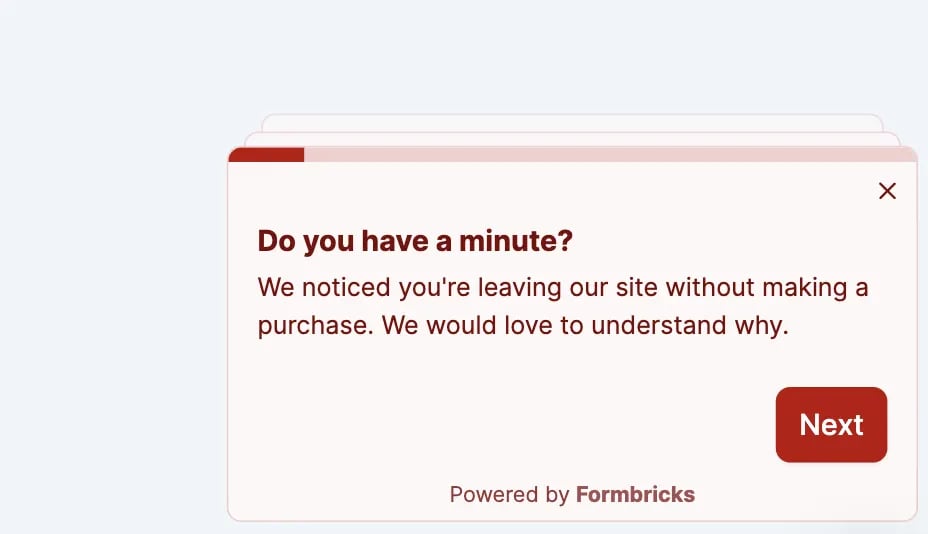
Surveys appear inside your app as modals or slide-ins.
### When to use
* You want Formbricks to handle who sees which survey
* Surveys should trigger based on user behavior (page views, clicks, custom events)
* You want automatic survey fatigue prevention
* You need percentage-based sampling (e.g., show to 10% of users)
## Decision guide
Use **Link-based Surveys**. Send the URL when the moment is right, even for in-app surveys.Pass context via Hidden Fields.
Use **Website & App Surveys**. The SDK tracks actions and triggers surveys automatically.
Use **Website & App Surveys**. Built-in cooldown prevents over-surveying.
Start with **Link Surveys**. No SDK integration needed. Add SDK later if you need behavior-based triggers.
***
**Need help?** [Join us in GitHub Discussions](https://github.com/formbricks/formbricks/discussions)
### In-app features
**[Action tracking](/surveys/website-app-surveys/actions)**
Track in-app events and trigger surveys based on them:
```javascript theme={null}
formbricks.track("action_name");
```
**Built-in survey cooldown**
* Global waiting time (e.g., show max 1 survey every 7 days per user)
* Per-survey overrides for high-priority surveys
**[Segment-based targeting](/surveys/website-app-surveys/advanced-targeting)**
Target surveys based on user attributes (plan type, language, feature flags).
**In-app display**
Surveys appear inside your app as modals or slide-ins.
### When to use
* You want Formbricks to handle who sees which survey
* Surveys should trigger based on user behavior (page views, clicks, custom events)
* You want automatic survey fatigue prevention
* You need percentage-based sampling (e.g., show to 10% of users)
## Decision guide
Use **Link-based Surveys**. Send the URL when the moment is right, even for in-app surveys.Pass context via Hidden Fields.
Use **Website & App Surveys**. The SDK tracks actions and triggers surveys automatically.
Use **Website & App Surveys**. Built-in cooldown prevents over-surveying.
Start with **Link Surveys**. No SDK integration needed. Add SDK later if you need behavior-based triggers.
***
**Need help?** [Join us in GitHub Discussions](https://github.com/formbricks/formbricks/discussions)