> ## Documentation Index
> Fetch the complete documentation index at: https://formbricks.com/docs/llms.txt
> Use this file to discover all available pages before exploring further.
# Conditional Logic
> Create complex survey logic with the Logic Editor. Use conditions, actions, and variables to create a personalized survey experience.
 ## Terminology
* **Condition**: A rule that determines when an action should be executed.
* **Action**: A task that is executed when a condition is met.
## **Creating Logic**
* **Add a Logic Block**: Click the `Add logic +` button to add a new logic block.
## Terminology
* **Condition**: A rule that determines when an action should be executed.
* **Action**: A task that is executed when a condition is met.
## **Creating Logic**
* **Add a Logic Block**: Click the `Add logic +` button to add a new logic block.
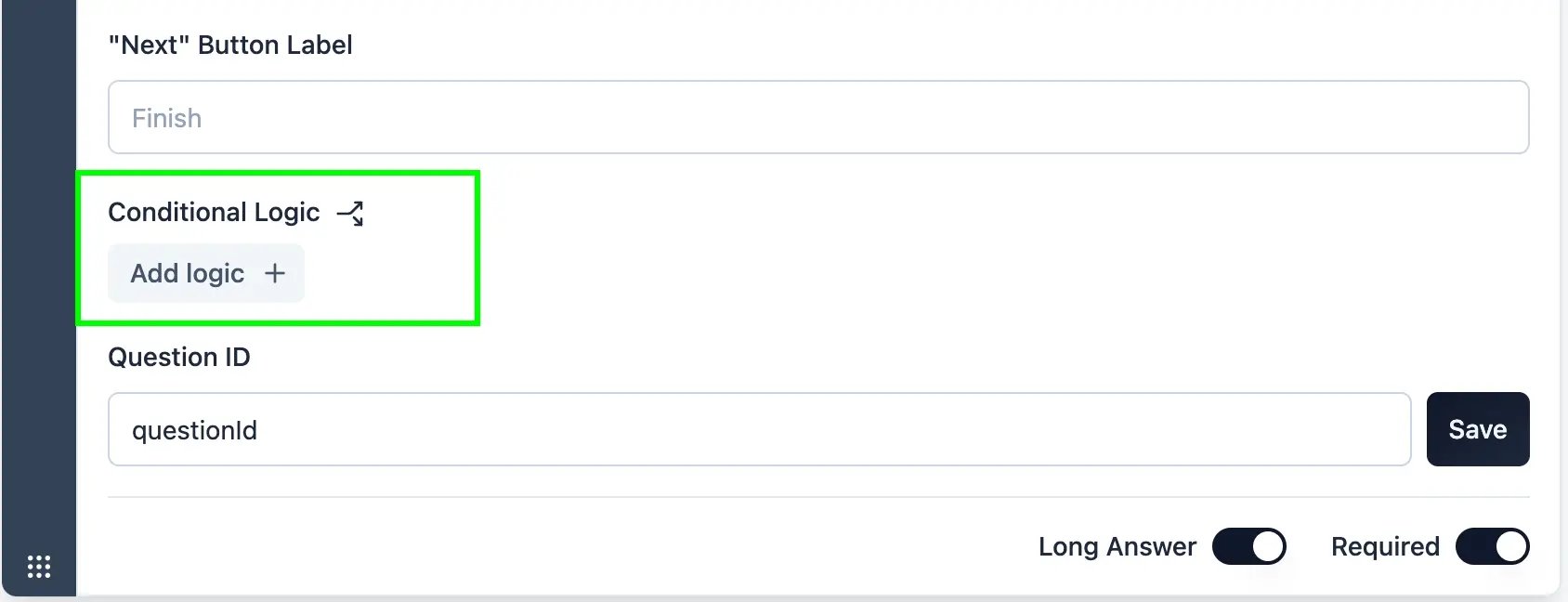 You can add multiple logic blocks to a survey. Logic blocks are executed in
the order they are added. You can rearrange the order of logic blocks.
* **Add Conditions**: Add conditions to the logic block. Conditions are rules that determine when an action should be executed.
You can add multiple logic blocks to a survey. Logic blocks are executed in
the order they are added. You can rearrange the order of logic blocks.
* **Add Conditions**: Add conditions to the logic block. Conditions are rules that determine when an action should be executed.
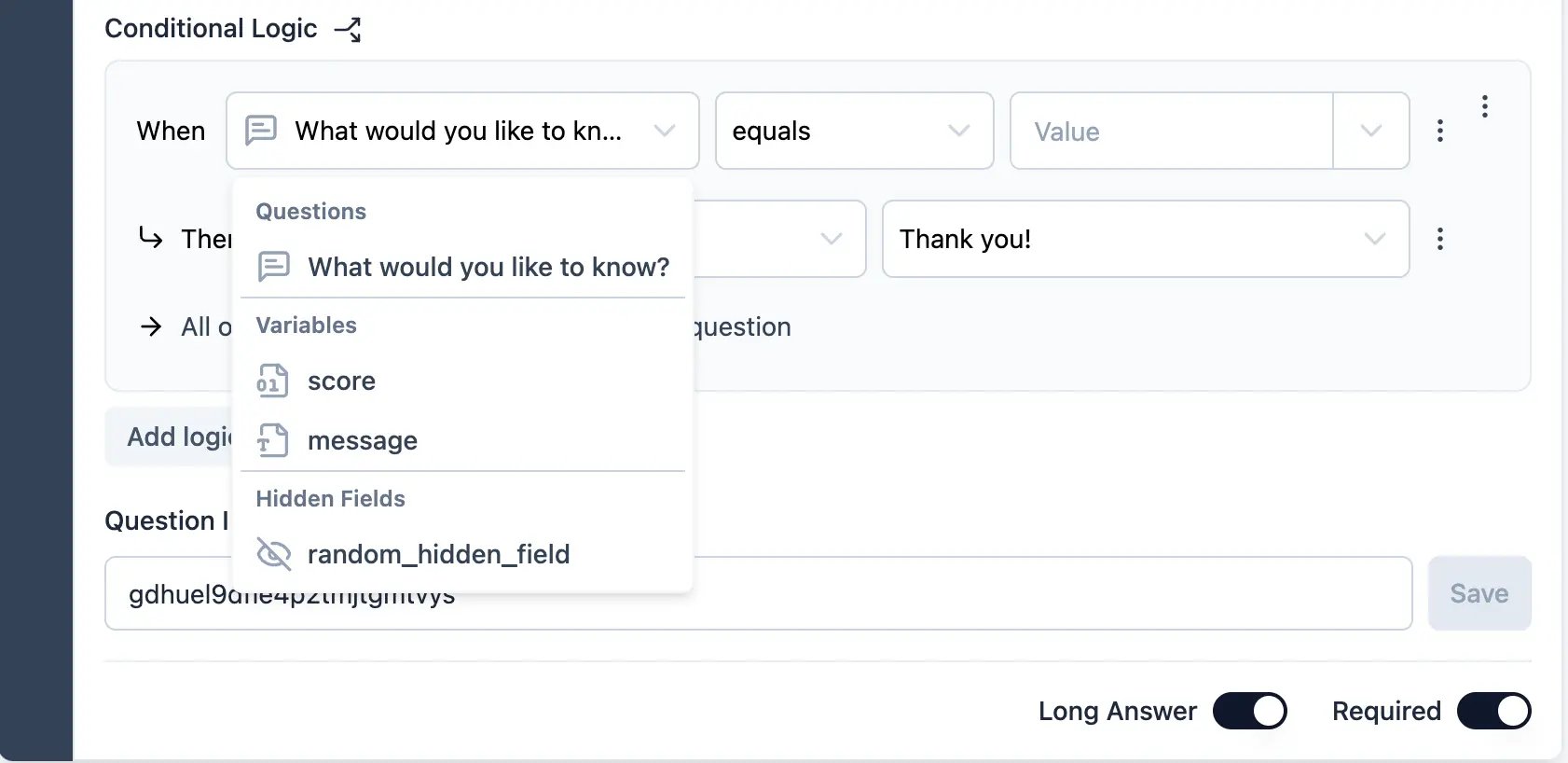
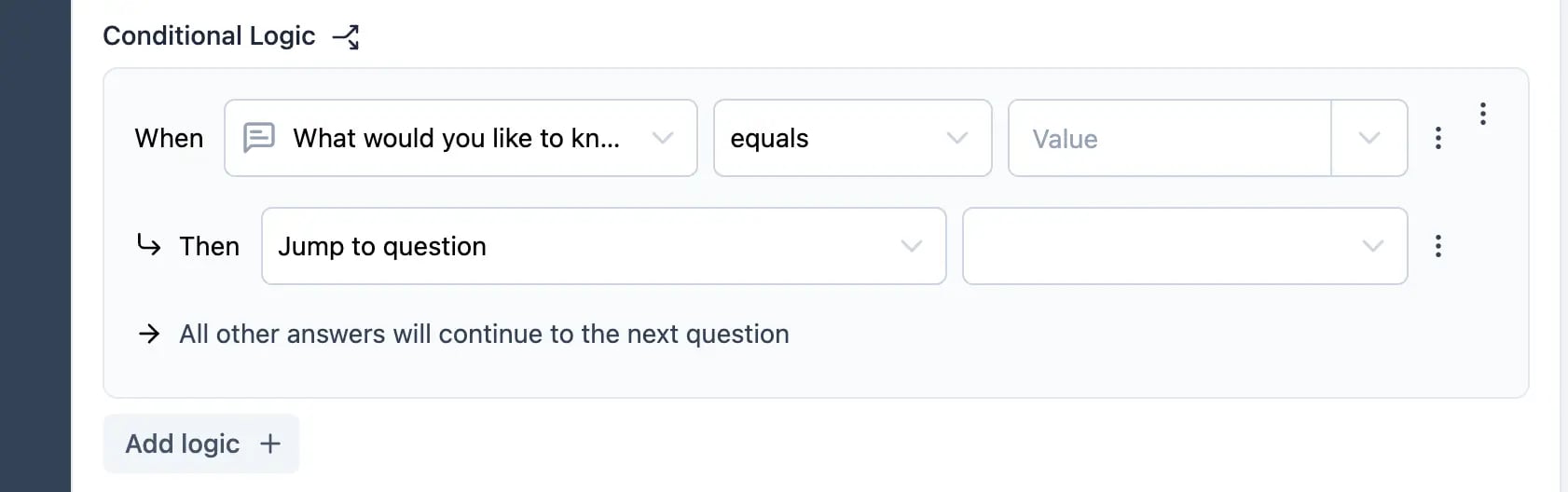 Conditons can be based on:
* **Question**: The answer to a question.
* **Variable**: A variable value.
* **Hidden Field**: The value of a hidden field.2.a **Condition Options**: Choose from a list of available conditions.
Conditons can be based on:
* **Question**: The answer to a question.
* **Variable**: A variable value.
* **Hidden Field**: The value of a hidden field.2.a **Condition Options**: Choose from a list of available conditions.
 * **Condition Operators**: Choose an operator to compare the condition value.
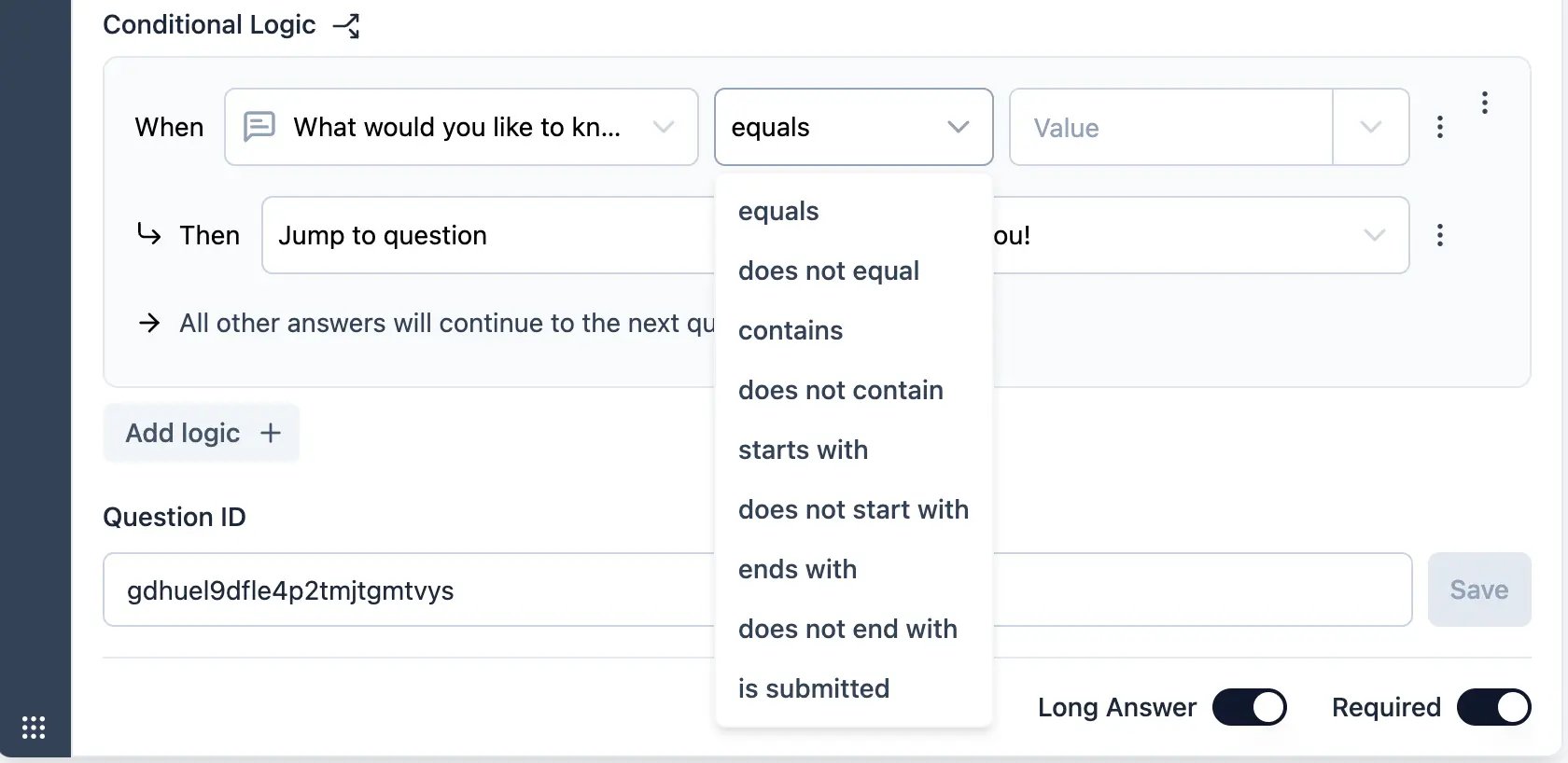 * **Condition Value**: Enter a value to compare the condition against.
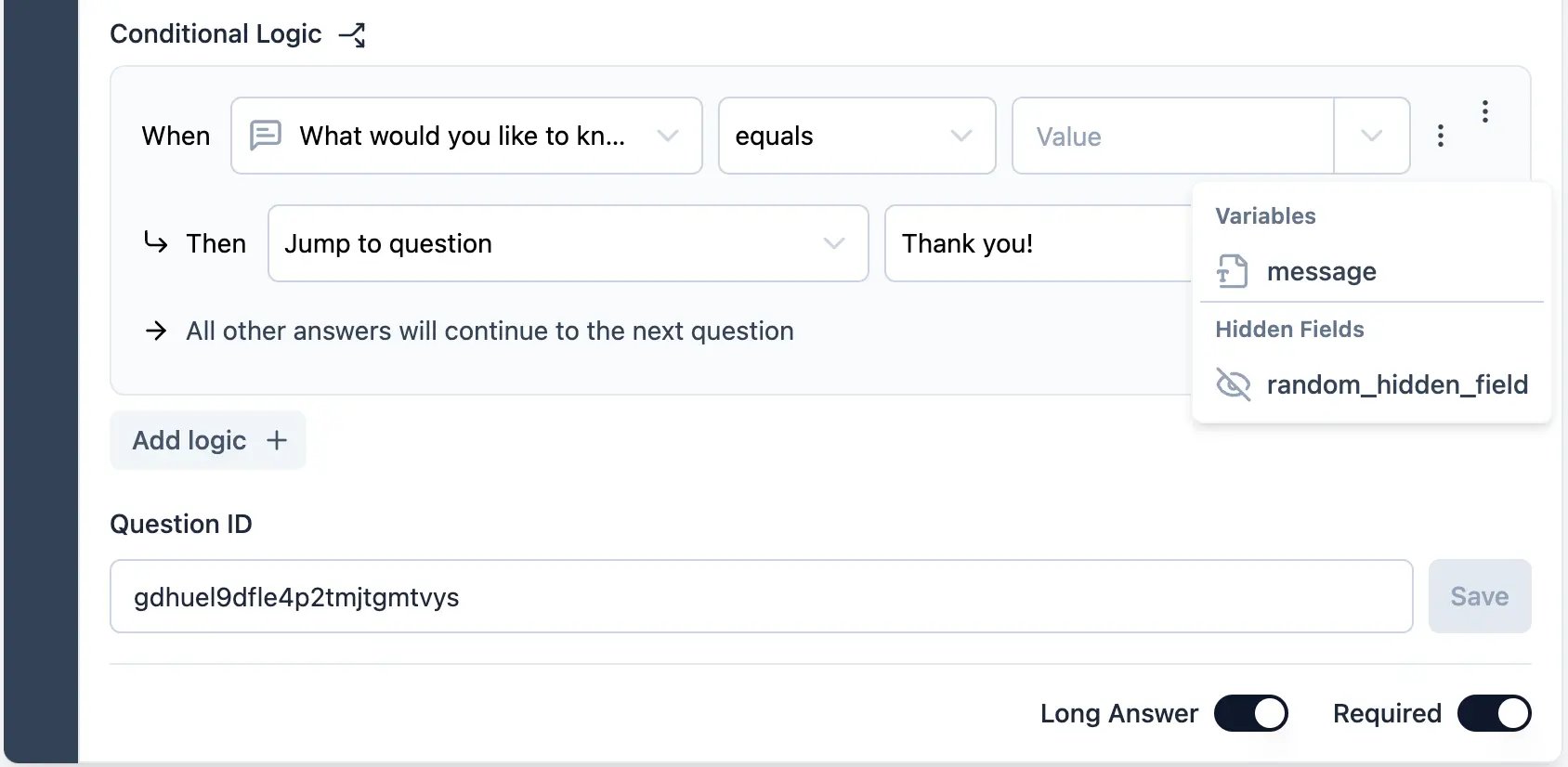
Comparisons can be made against a fixed value or a dynamic value.
Dynamic values can be based on a question, variable, or hidden field.
* **Condition Value**: Enter a value to compare the condition against.
Comparisons can be made against a fixed value or a dynamic value.
Dynamic values can be based on a question, variable, or hidden field.
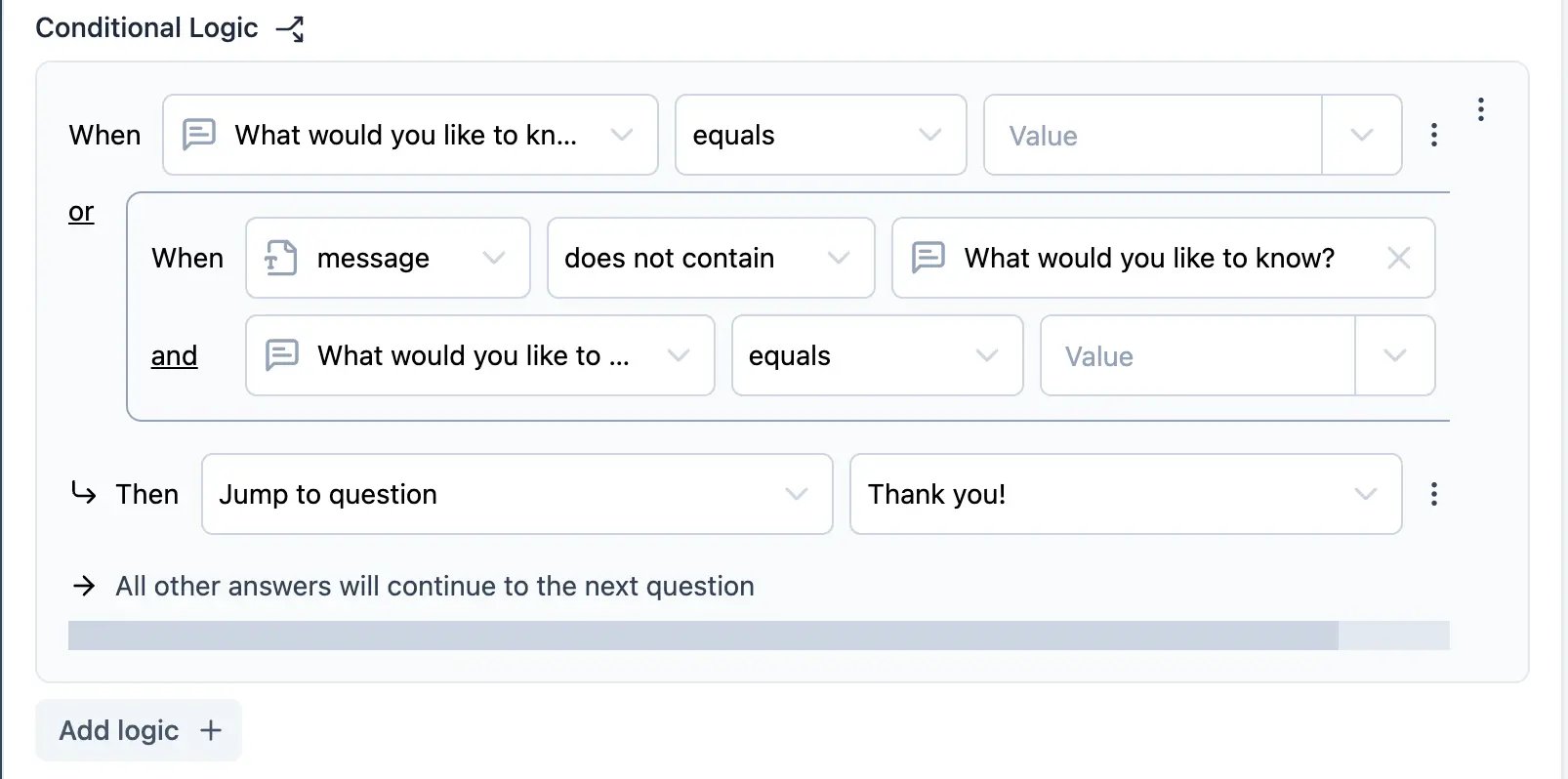
 Conditions can be grouped. Conditions can be combined using AND or OR
operators. You can add multiple conditions to a logic block. Conditions are
evaluated in the order they are added.
Conditions can be grouped. Conditions can be combined using AND or OR
operators. You can add multiple conditions to a logic block. Conditions are
evaluated in the order they are added.
 * **Add Actions**: Add actions to the logic block. Actions are tasks that are executed when a condition is met.
You can add multiple actions to a logic block. Actions are executed in the
order they are added.
* **Action Options**: Choose from a list of available actions.
* **Add Actions**: Add actions to the logic block. Actions are tasks that are executed when a condition is met.
You can add multiple actions to a logic block. Actions are executed in the
order they are added.
* **Action Options**: Choose from a list of available actions.
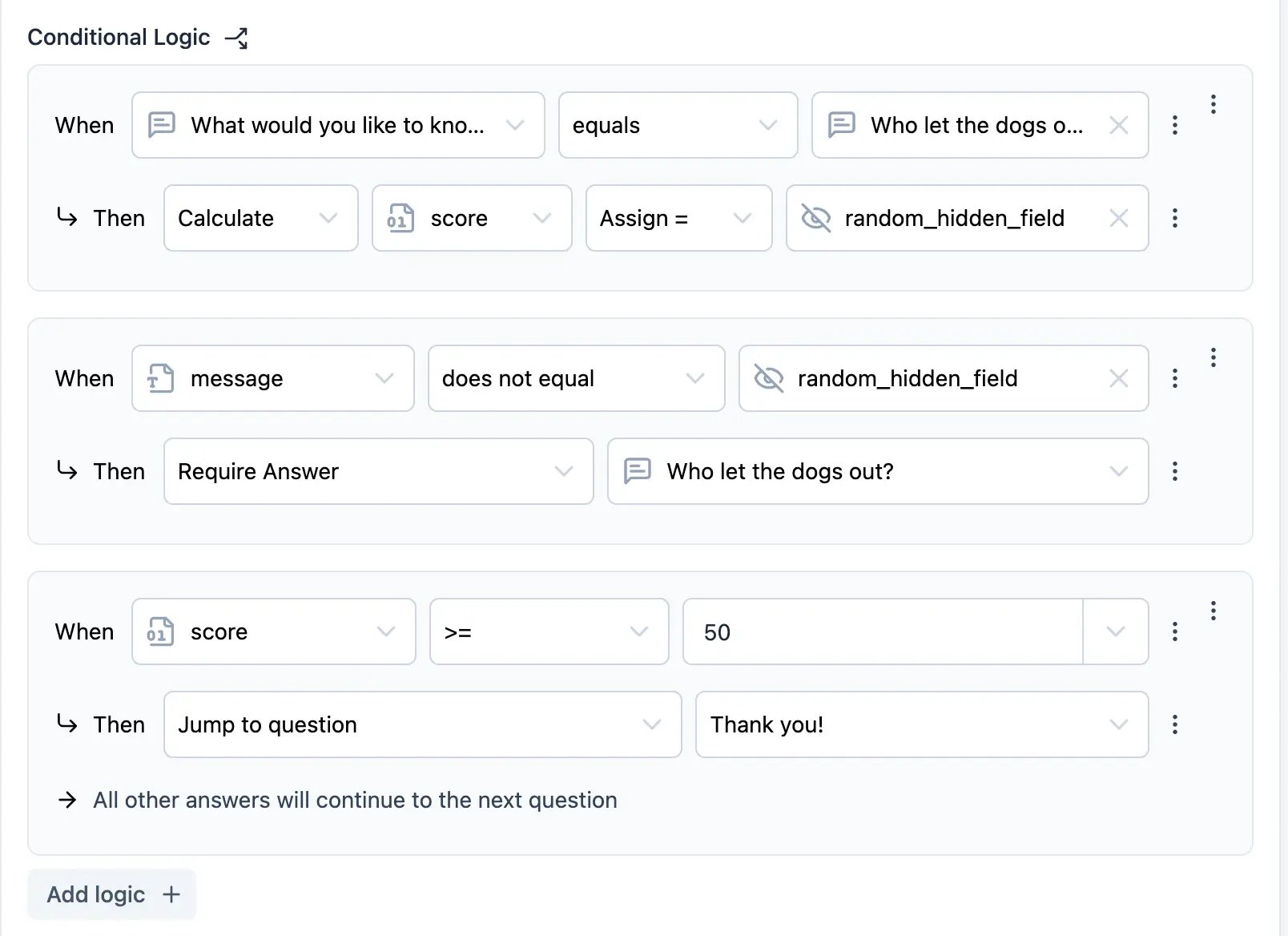
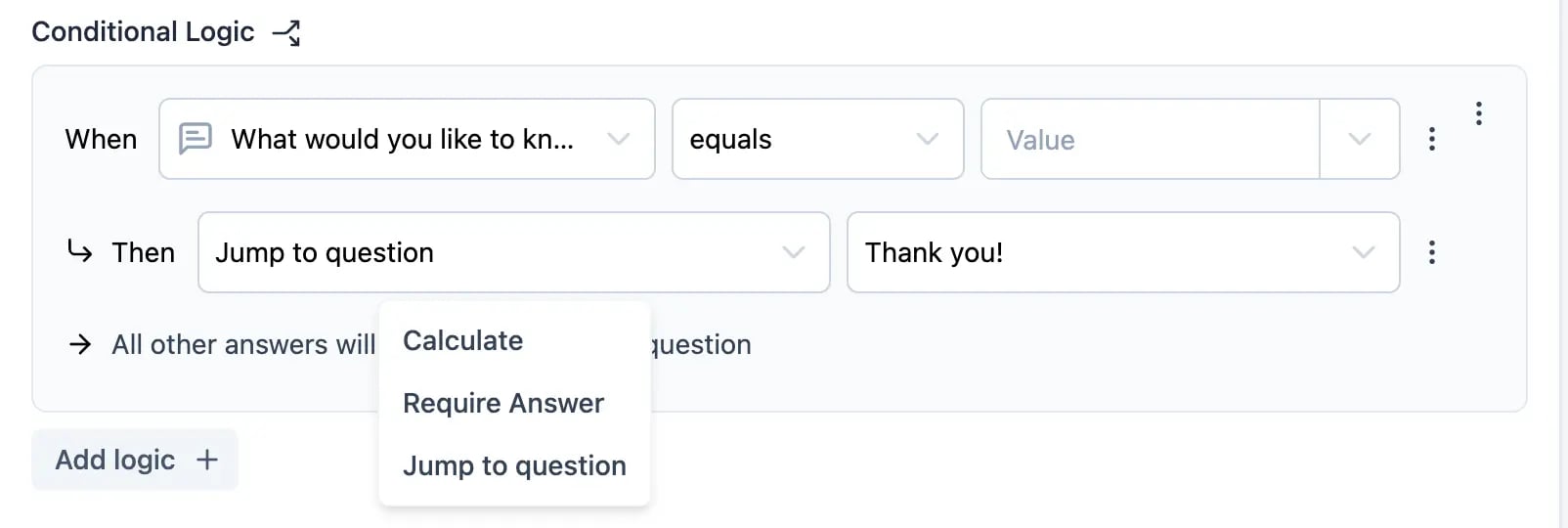 Action is of the following types:
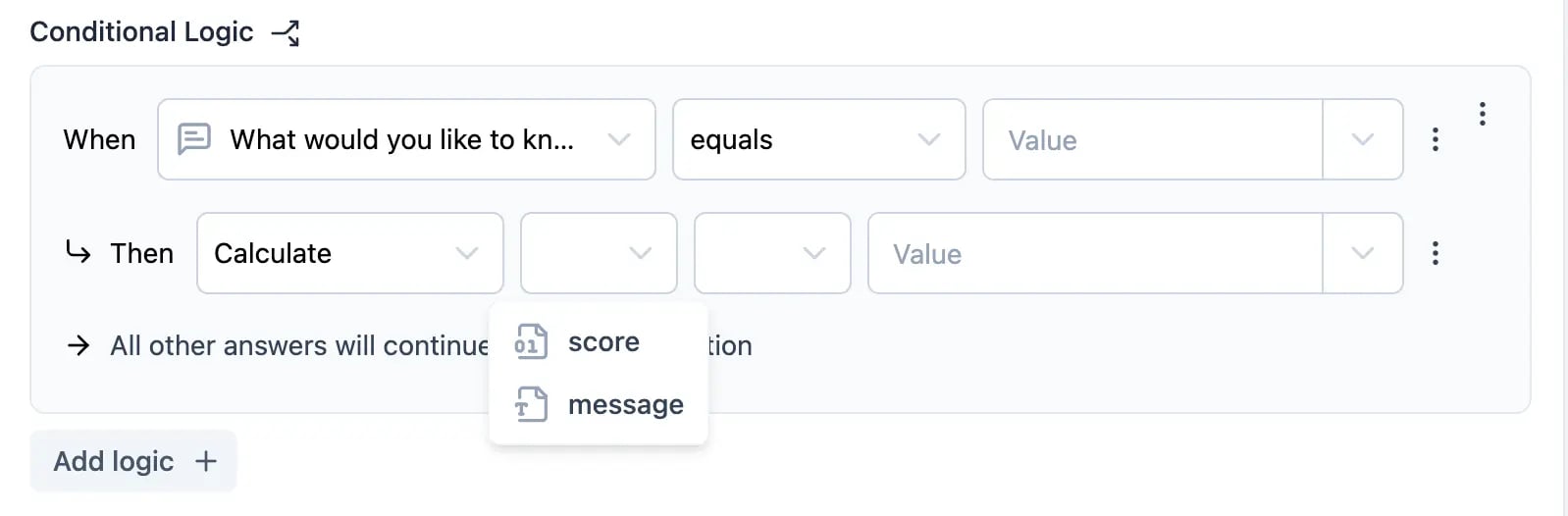
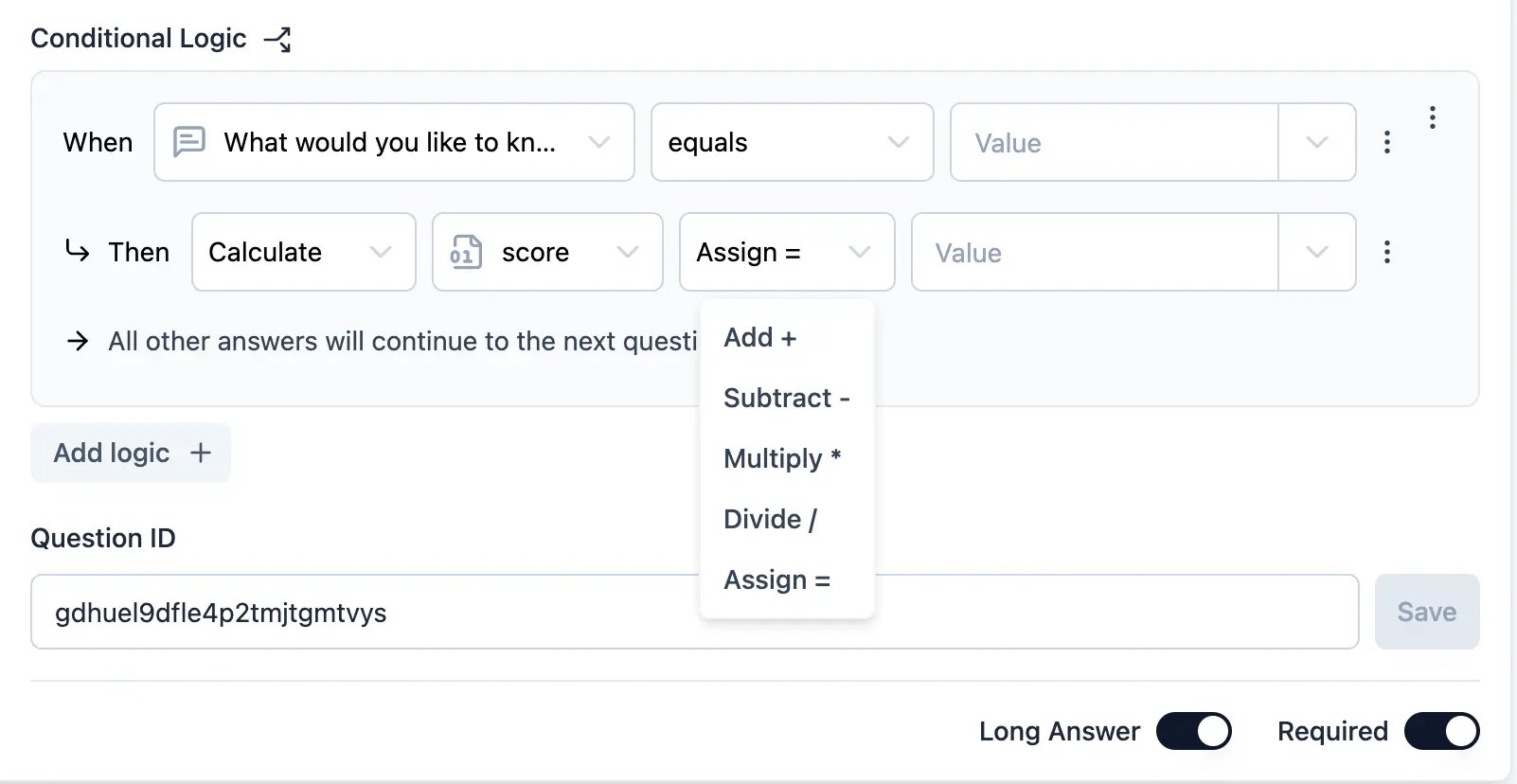
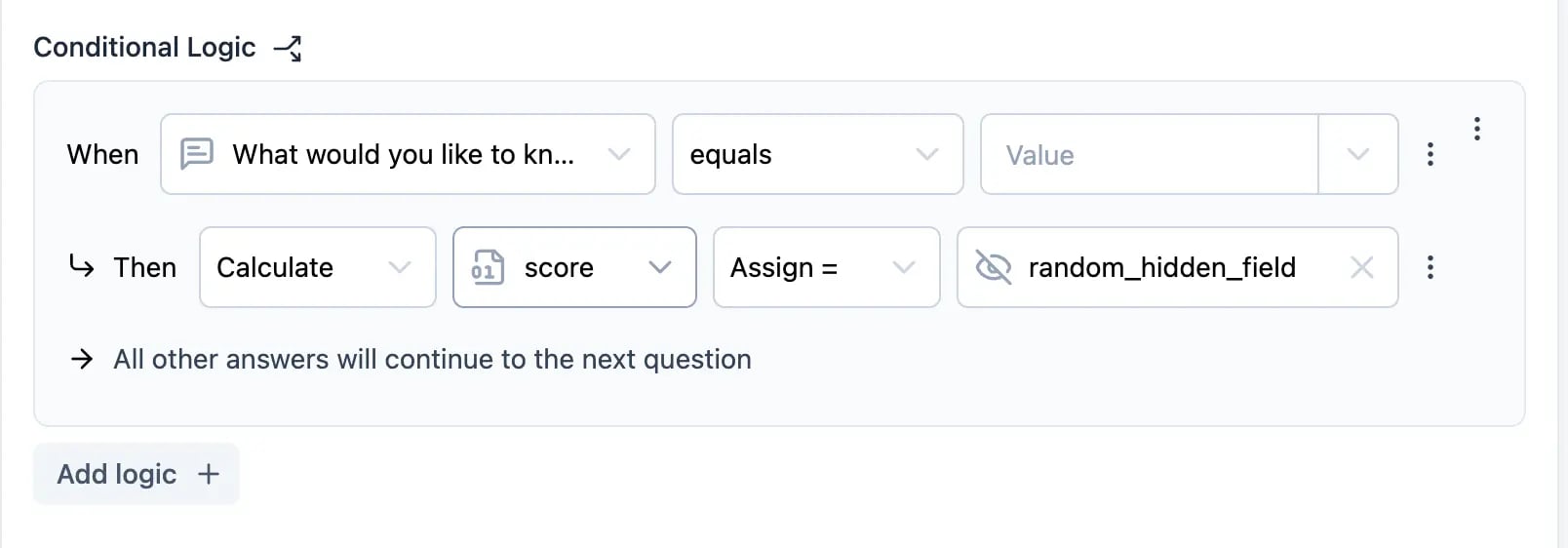
* **Calculate**: Perform a calculation. These variables are then available for use in other questions.
* Calculations can be performed on variables.
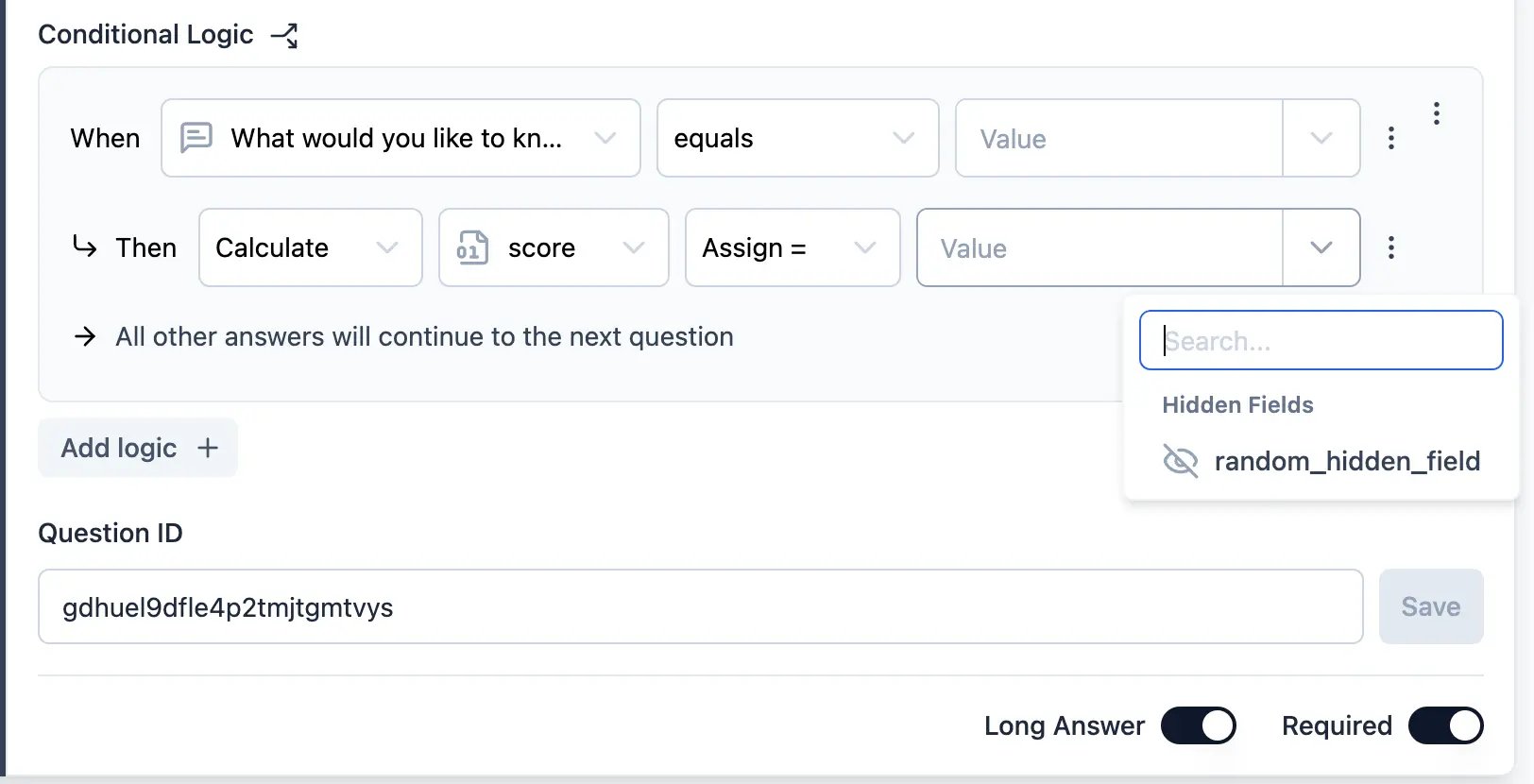
* Calculations can be based on fixed values or dynamic values.
Action is of the following types:
* **Calculate**: Perform a calculation. These variables are then available for use in other questions.
* Calculations can be performed on variables.
* Calculations can be based on fixed values or dynamic values.
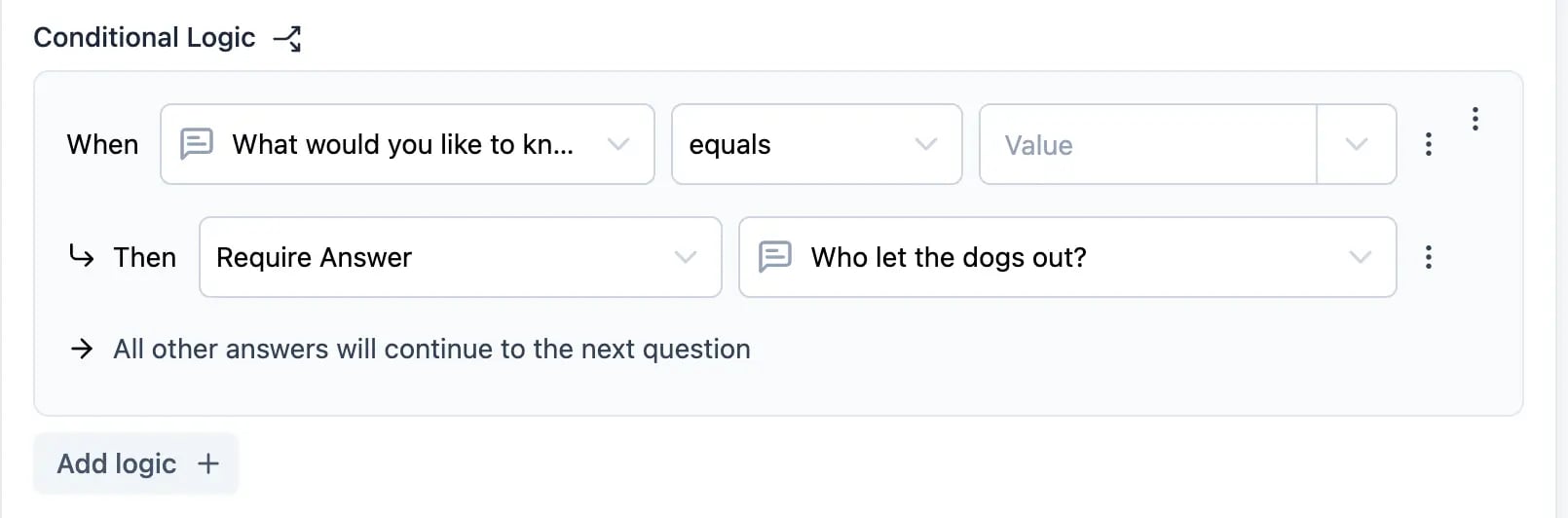
 * **Require Answer**: Make a question required. Only the optional questions can be marked as required while filling the survey.
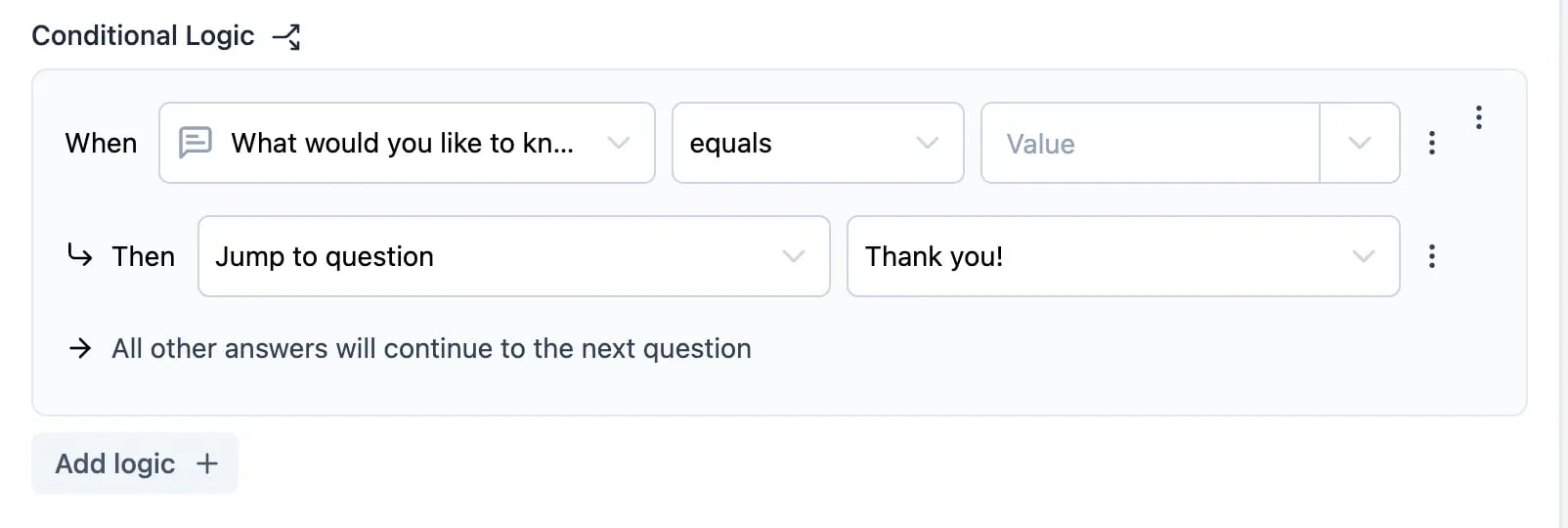
 * **Jump to Block**: Skip to a specific block. The user will be redirected to the specified block based on the condition.
 * **Save Logic**: Click the `Save` button to save the logic block.
## Block Logic
This logic is executed when the user reaches the block. Logic can be as simple as showing a follow-up block based on earlier answers or as complex as calculating a score based on multiple answers.
* **Save Logic**: Click the `Save` button to save the logic block.
## Block Logic
This logic is executed when the user reaches the block. Logic can be as simple as showing a follow-up block based on earlier answers or as complex as calculating a score based on multiple answers.