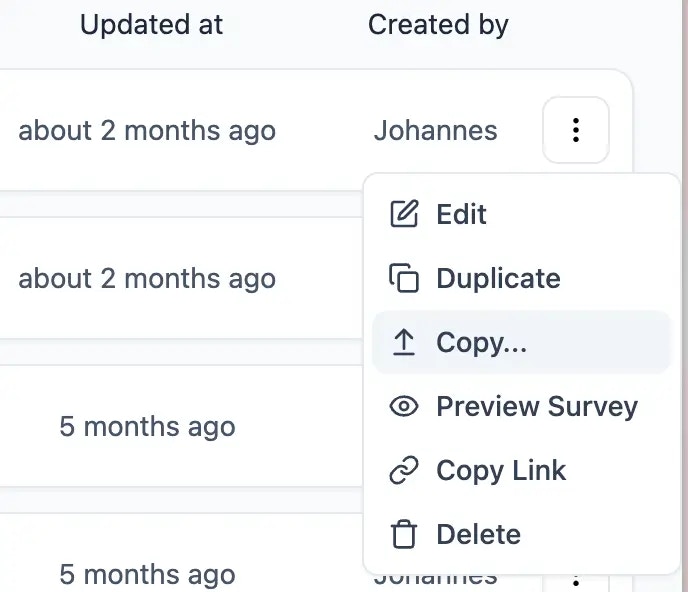
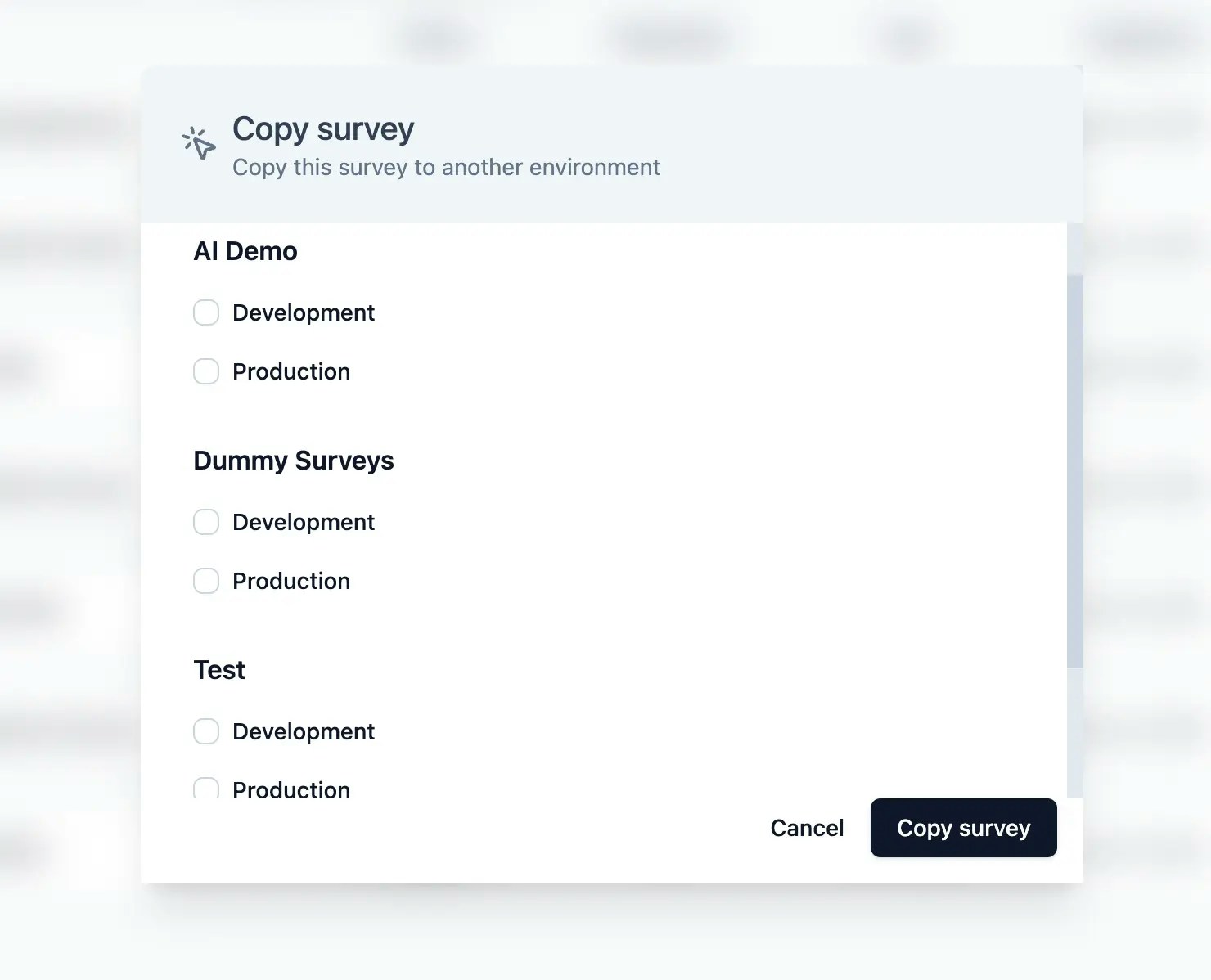
To clearly separate between test and production data, Formbricks provides two different environments for each project. These environments are completely independent of each other incl. API keys, project configuration and environment Id’s used for connecting Formbricks to run in-product surveys.Documentation Index
Fetch the complete documentation index at: https://formbricks.com/docs/llms.txt
Use this file to discover all available pages before exploring further.
Platform Features
Test Environment
Each project on Formbricks has two environments: a test environment and a production environment. The test environment is used to test your surveys through before they are sent out to your customers.